

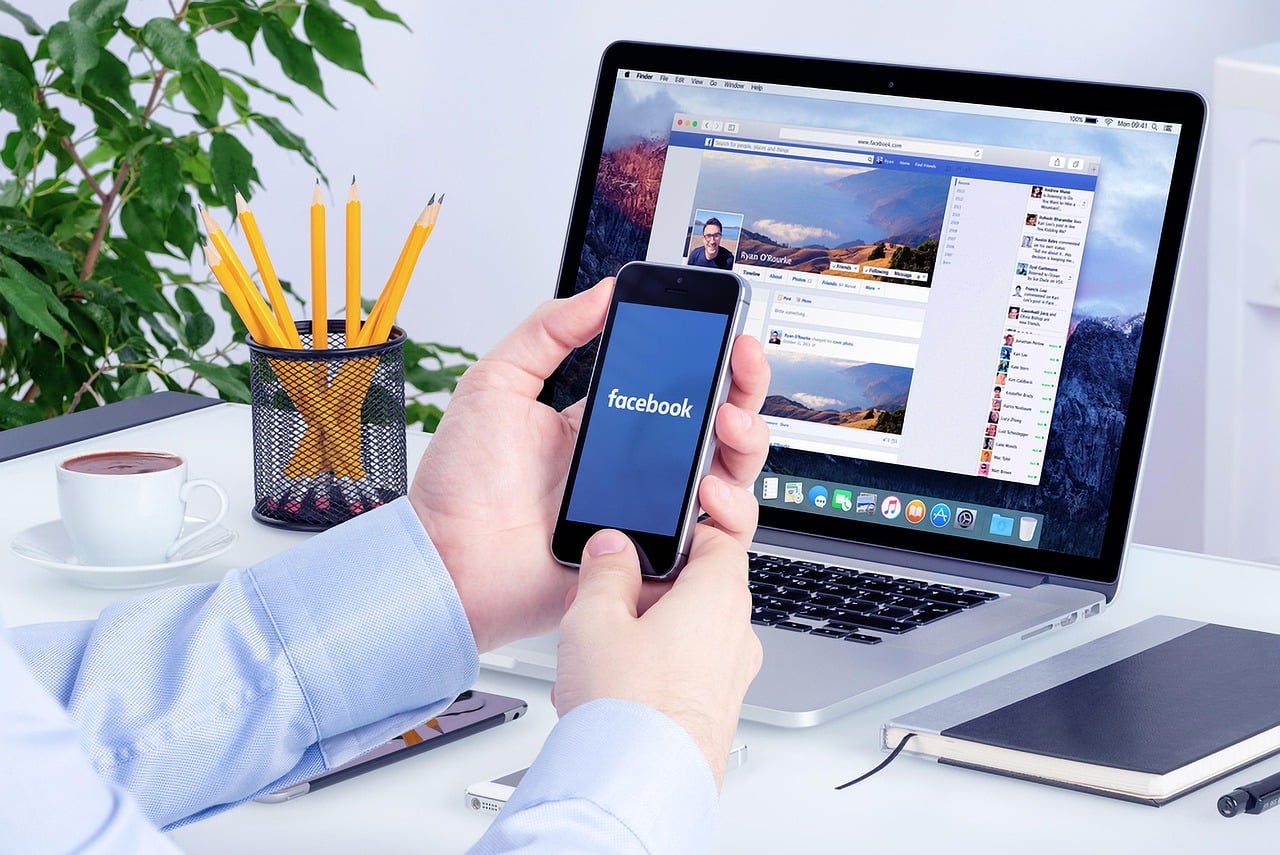
In today’s fast-paced digital world, where billions of conversations happen daily on social media, social listening and brand monitoring are no longer optional-they're vital for any brand's success. Facebook, with over 3 billion active users, is a goldmine of customer insights. Imagine catching a brewing complaint before it goes viral or spotting a trend that could inspire your next campaign. That's the power of effective Facebook monitoring.
As a business owner or marketer, simply posting content isn't enough. You need to actively listen to what your audience says about your brand. This goes beyond replying to comments; it's about understanding emotions, preferences, and pain points to build genuine connections. In this guide, we'll dive into practical ways to maximize Facebook monitoring for effective brand engagement. We'll highlight how tools like SocialSonar can simplify this process, offering real-time alerts and deep analytics to supercharge your efforts.
Whether you're a small business just starting out or scaling up, these strategies will help you turn data into action. Let's explore step by step.

What is Facebook Monitoring?
Facebook monitoring is the ongoing process of watching and analyzing everything related to your brand on Facebook. This includes comments on your posts, direct messages, reviews, shares, and even mentions in groups or stories. It's like having a 24/7 receptionist who not only listens but also reports back with valuable insights.
Why does this matter? Customers expect quick responses-within hours, not days. By tracking these interactions, you can gauge audience sentiment, spot emerging issues, and celebrate positive buzz. For beginners, start by checking your page daily, but as you grow, tools like SocialSonar automate this, sending instant notifications so nothing slips through the cracks.
Consider a local coffee shop monitoring mentions of their new latte. They discover customers love the flavor but complain about wait times. Quick adjustments lead to happier fans and more reviews. That's monitoring in action.
Benefits of Facebook Monitoring for Brands
Effective Facebook monitoring isn't just a nice-to-have; it drives real results. Brands that monitor actively see higher engagement rates and loyalty. Here are the key benefits, explained with examples.
Strategic Benefits
-
Crisis Prevention: Spot negative comments early. For instance, a fashion brand noticed complaints about delayed shipments via monitoring. They addressed it publicly, turning critics into advocates and preventing a PR disaster.
-
Content Optimization: See what posts get likes and shares. A fitness brand found motivational videos outperformed sales pitches, so they doubled down, boosting engagement by 40%.
-
Customer Relationship Building: Reply promptly to build trust. A tech support page using monitoring cut response times, resulting in 25% more repeat customers.
-
Competitive Intelligence: Track rivals' mentions. A beverage company saw competitors' flavor trends and launched a similar hit product first.
-
Brand Sentiment Tracking: Measure if perceptions improve over time. Tools help quantify positive vs. negative feedback, guiding long-term strategies.
Pro Tip: Consistent monitoring can increase customer satisfaction scores by up to 20%, according to industry reports.
These benefits compound, creating a virtuous cycle of engagement and growth.
Best Practices for Facebook Monitoring
To get the most from Facebook monitoring, follow these proven practices. They're simple to implement and yield big rewards.
Set Clear Goals and Objectives
Start with 'why.' Do you aim to boost replies, reduce complaints, or grow followers? Clear goals like 'Respond to 90% of comments within 2 hours' make monitoring focused. Review goals quarterly to adapt to changes.
Choose the Right Facebook Monitoring Tool
Facebook's basics work for starters, but growing brands need more. While tools like Sprout Social offer inboxes, they can be pricey and limited in multi-platform views. SocialSonar stands out with affordable real-time monitoring, sentiment analysis, and easy setup-perfect for beginners.
Develop a Monitoring Strategy
Outline priorities: customer service first, then trends. Assign team roles-who replies to what? For example, prioritize VIP customers or high-volume threads. Integrate with email alerts for off-hours coverage.
Monitor Relevant Keywords
Keywords are your radar. Track:
- Brand product names: Catch feedback on specifics like 'Acme Shoes Model X.'
- Brand hashtags: Follow #MyBrandStory for user content.
- Campaign hashtags: Measure #SummerSale2024 reach.
- Industry hashtags: Stay ahead with #DigitalMarketingTips.
- C-suite names: Monitor exec mentions for leadership insights.
Use SocialSonar to set custom alerts for these.
Train Your Team
Ensure everyone knows the tools and response guidelines. Role-play scenarios like angry customers to build confidence.
Use Analytics to Track Results
Analytics turn raw data into strategy. Track metrics like response time, engagement rate, and sentiment shifts. SocialSonar dashboards visualize this, showing trends at a glance.
For example, if engagement drops, drill down to see if it's post timing or content type. Set benchmarks: aim for under 1-hour responses. Regular reviews (weekly) keep you agile.
Here's a simple table of key metrics to monitor:
| Metric | Why It Matters | Target Goal |
|---|---|---|
| Response Time | Builds trust | <2 hours |
| Sentiment Score | Gauges perception | >70% positive |
| Engagement Rate | Measures interaction | >5% per post |
| Mention Volume | Tracks buzz | Steady growth |
Facebook’s Native Monitoring Capabilities
Meta Business Suite offers a unified inbox for messages and comments-handy for basics. It supports Facebook and Instagram, saving time on small scales.
However, limitations emerge quickly: no deep sentiment analysis, poor multi-platform integration, and alert delays. For comprehensive views, switch to SocialSonar, which pulls data across networks for holistic insights.
Limitations of Tools Like Sprout Social and Why SocialSonar Excels
Sprout Social's Smart Inbox is useful for consolidating interactions, but it often overwhelms with features and costs more for small teams. Its case management helps track issues, yet lacks advanced sentiment trends.
SocialSonar fixes this: simpler interface, real-time alerts, and superior analytics at a fraction of the price. It's designed for brands focused on actionable Facebook insights without complexity.
How to Use SocialSonar for Facebook Monitoring
Ready to level up? Here's a beginner's guide to SocialSonar.
Step 1: Set Up Your Dashboard
Connect your Facebook page in minutes. Customize feeds for mentions, keywords, and competitors.
Step 2: Monitor in Real-Time
Get instant notifications on your phone. Filter by sentiment to prioritize urgent items.
Step 3: Analyze and Respond
Use built-in reports to spot patterns. Reply directly from the platform, logging interactions for history.
Step 4: Generate Reports
Share weekly insights with your team to refine strategies.
A case study: A retail brand using SocialSonar caught a product flaw from comments, fixed it in 24 hours, and gained 500 new followers from positive follow-ups.
Real-World Case Studies
Let's see monitoring in action.
Case 1: Wendy's Twitter-Style Sass on Facebook. Wendy's monitors closely, responding wittily to mentions. This boosted engagement 300%.
Case 2: A Startup's Turnaround. A beauty brand used SocialSonar to track allergy complaints, reformulated products, and saw reviews soar from 2.5 to 4.8 stars.
Case 3: E-commerce Giant. Monitored campaign hashtags, adjusted ads mid-flight, increasing conversions by 25%.
These stories show monitoring drives results.
Common Mistakes to Avoid
- Ignoring off-peak hours: Use tools for alerts.
- Overlooking indirect mentions: Track keywords broadly.
- No follow-up: Always close the loop on issues.
- Data overload: Focus on key metrics.
Conclusion
Maximizing Facebook monitoring is your ticket to effective brand engagement. From setting goals to using powerhouse tools like SocialSonar, these steps empower you to listen, respond, and thrive.
Act today: Sign up for a free trial, set your first alert, and watch interactions transform. It's not just about hearing your audience-it's about building a community that loves your brand. Your engagement will soar!
